4.0.0 Sep 18, 2026
Navigate Dependency Graph action, showing dependencies and consumers of the statement at the caret, navigable with the same shortcuts as Execute from Here
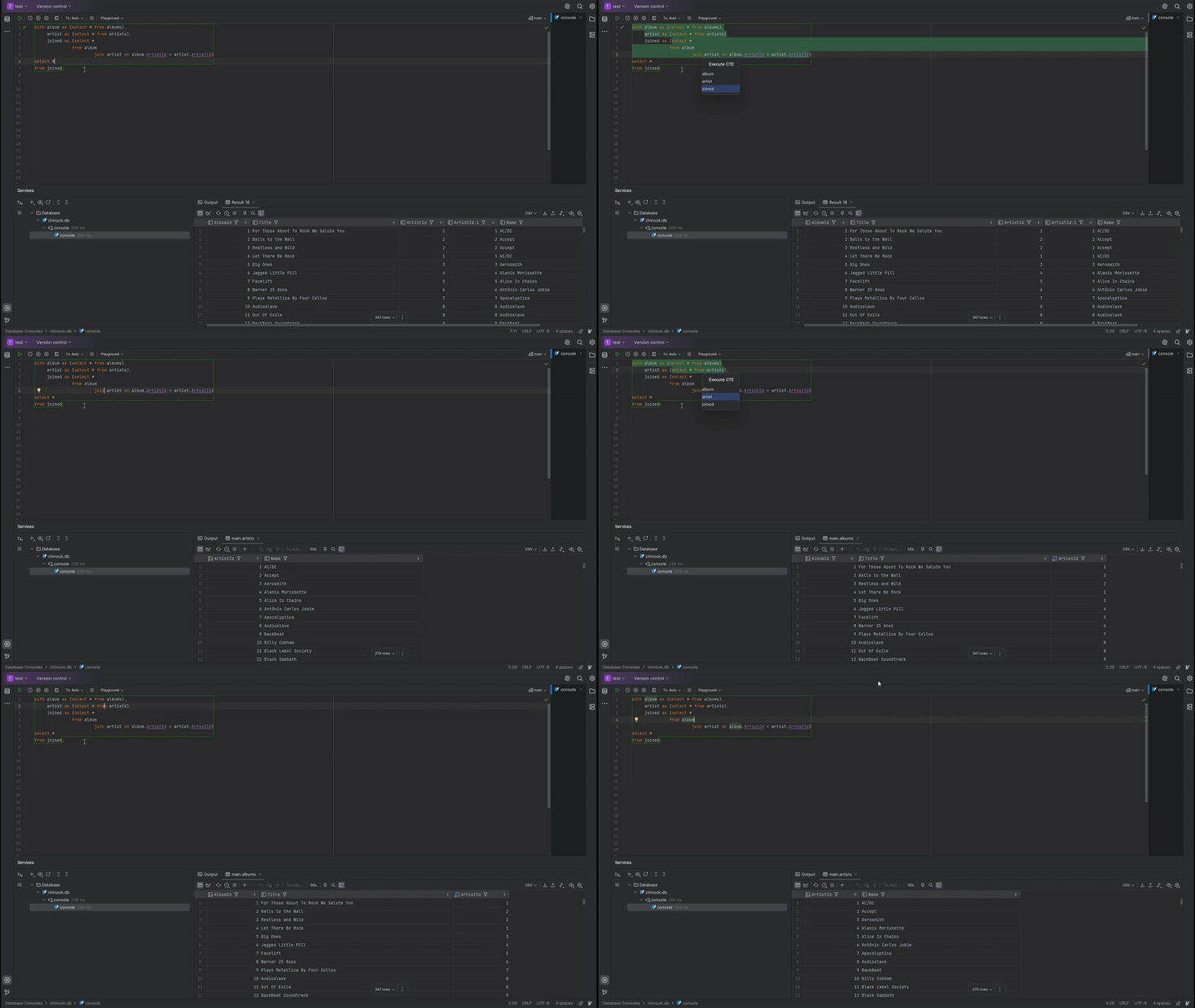
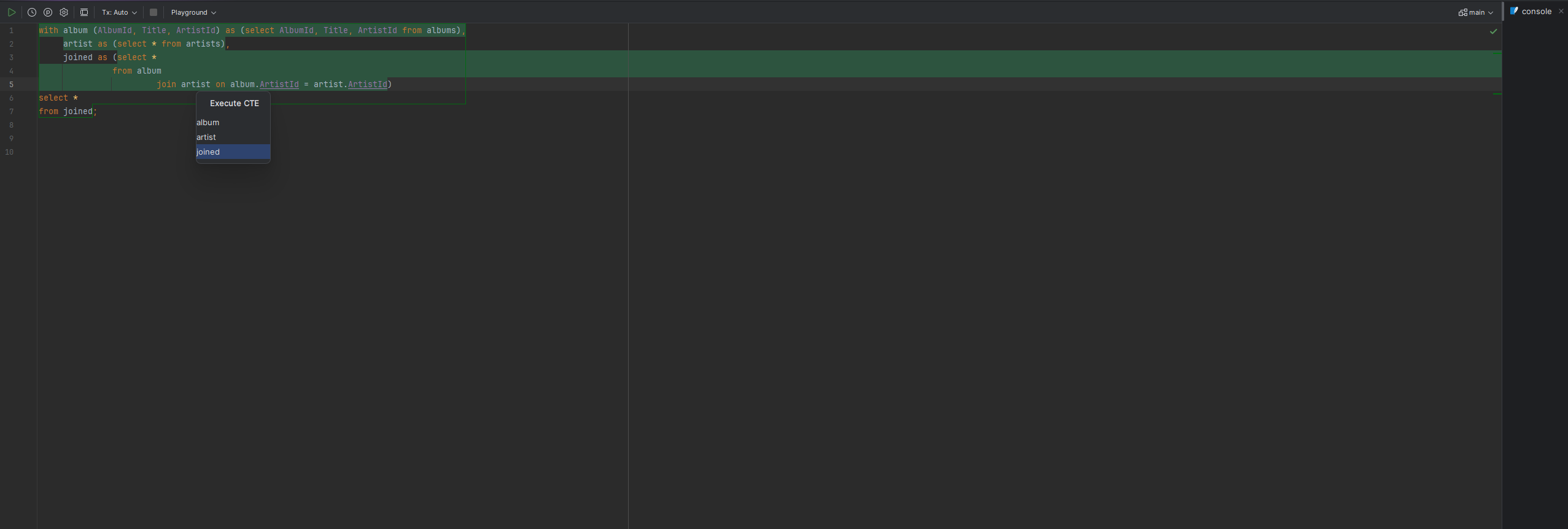
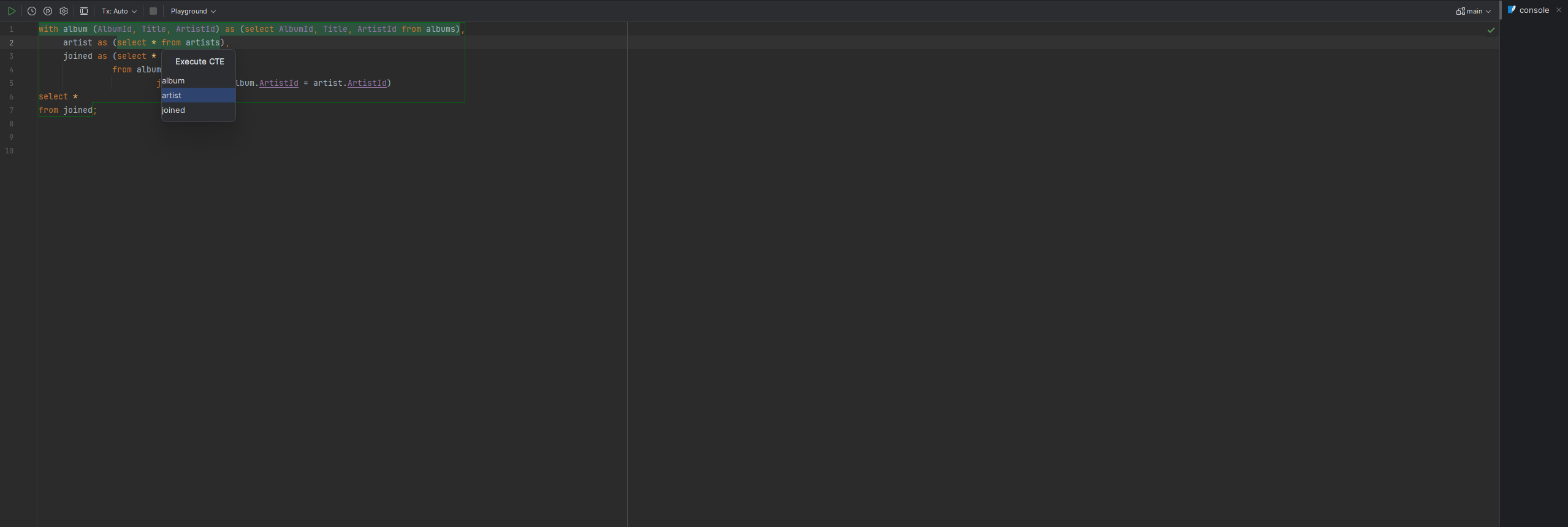
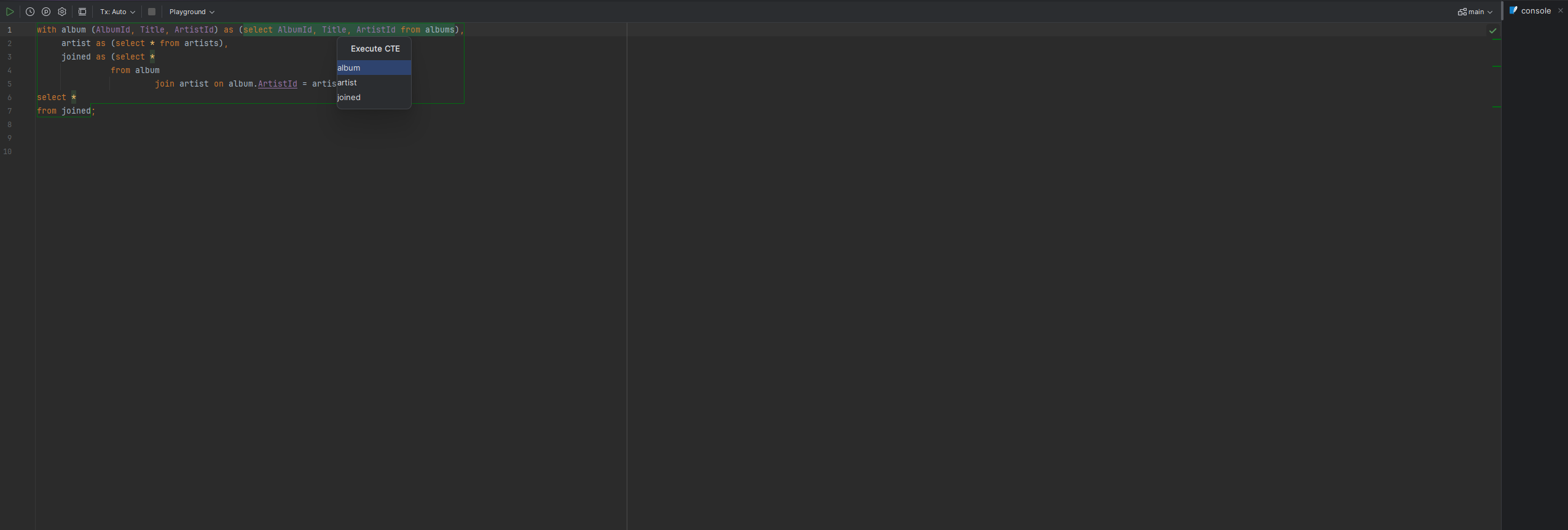
Execute from Here now shows the current statement and its needed CTEs as a single navigable list instead of a flat popup, with fixed numbering that follows the focused row
E (insert into editor) and C (copy to clipboard) shortcuts inside both popups, acting on whichever row is currently focused
Editing a statement now places the cursor at its original position within the inserted SQL where possible, instead of always at the end
Dependency and correlation analysis now uses PSI reference resolving instead of name matching, correctly handling nested WITH clauses with shadowed CTE names, WITH RECURSIVE self-references, and uncorrelated subqueries
A recursive CTE executed on its own no longer produces invalid SQL with an undefined self-reference
Dependencies shown in Navigate Dependency Graph are now ordered by their position in the file; the one closest to the current statement is shown nearest to it instead of farthest away
Navigating the dependency graph from a keyboard shortcut no longer risks a threading assertion failure
Removed the separate Copy CT-Query SQL and Edit and Run SQL actions; their functionality is now available as E and C shortcuts inside Execute from Here and Navigate Dependency Graph
Execute from Here no longer has a Ctrl+# then Space alternate shortcut; Ctrl+# then Enter remains
Execute from Here now falls back to the standard execute shortcut if code is already selected, instead of showing the dependency popup
Navigate Dependency Graph shortcut changed from Ctrl+# then N to Ctrl+# then D
3.0.2 May 3, 2026
Upgrade necessary version
3.0.1 May 3, 2026
Replace deprecated `ActionUtil.performActionDumbAwareWithCallbacks` with `ActionUtil.performAction`
2.0.1 Oct 27, 2025
fix problems of new ExecuteFromHere, where execution of dependencies did not properly work
fix problem of execution being part of the do and undo process of IDE, which lead to problems
Upgrade necessary version
2.0.0 Oct 25, 2025
feat "Execute from Here" action with smart dependency resolution
Execute SQL from anywhere - inside CTEs, subqueries, or main queries
Automatically detects and includes all required CTEs and dependencies
Interactive popup showing execution options and affected elements
Keyboard shortcut: Ctrl+# then Enter
break "Run CT-Query" shortcut changed from Ctrl+# Enter to Ctrl+# Space
1.1.3 Jul 28, 2025
change color of selected code to standard of jetbrains execution
add padding for options in popup
fix wrong title for copy and edit popup
1.1.1 Jul 9, 2025
fix problem with not taking every next element up to comma, so don't expect the next to be a comma anymore
delete everything to the end of the document, for safety reasons
changed shortcuts to number sign instead of r